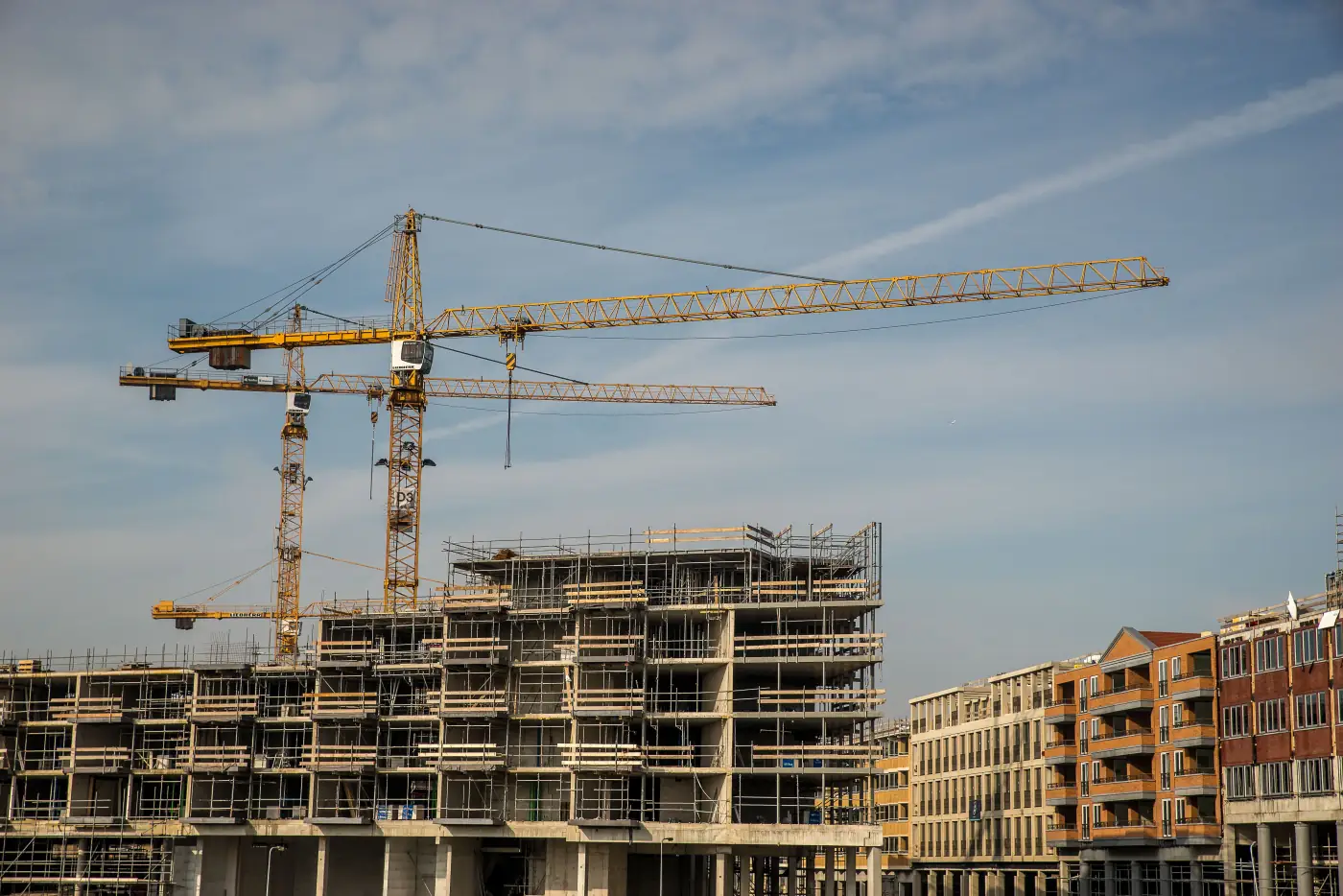
The question of construction website redesign vs rebuild usually appears when a site feels outdated, but “outdated” can describe several different problems. The visual design may be old, the platform may be difficult to maintain, the content may no longer match the company, or the entire structure may be preventing buyers from finding the proof they need.
A redesign improves an existing foundation. A rebuild replaces enough of the foundation that the project becomes a new implementation. The right choice starts with diagnosis rather than a preference for one word.
Key Takeaways
- A redesign is appropriate when the platform, structure, content model, and performance can support the required improvements.
- A rebuild is more likely when the platform is unsupported, ownership is unclear, the information architecture is wrong, or the project system cannot be maintained.
- Visual age alone is not enough reason to rebuild.
- A redesign or rebuild should protect useful search equity, content, redirects, analytics, and ownership.
- The decision should consider business goals, not only appearance.
- A written audit can identify the lowest-risk path before work begins.
Construction website redesign vs rebuild: start with diagnosis
What a redesign changes
A redesign may include: new visual system; updated page layouts; improved typography and spacing; better navigation; revised copy; new calls to action; improved project cards; mobile improvements; accessibility fixes; performance improvements; metadata and internal-link updates.
The underlying platform and content model may remain in place.
A redesign is often appropriate when the current website is technically sound but no longer communicates the company’s work well.
What a rebuild changes
A rebuild may replace: cMS or platform; theme or front-end framework; page templates; uRL structure; project portfolio system; forms and integrations; hosting environment; content model; analytics setup; ownership and access model.
A rebuild is a larger project because it changes the system that supports the website, not only the appearance visitors see.
Signs a redesign may be enough
A redesign may be suitable when: the platform is supported and secure; your team can access and update the site; the URL structure is reasonable; the project portfolio can use a better template; forms and analytics can be repaired; the site loads acceptably after optimization; content is the main weakness; the current site can support new sector and capability pages; no major integration or ownership issue exists.
Do not rebuild a stable website simply because the colours or hero image are old.
Signs a rebuild is justified
A rebuild may be safer when: nobody can explain who owns the accounts; the site relies on unsupported software; updates regularly break the website; the platform cannot support project templates or filters; the URL structure creates duplicate or confusing pages; the site is inaccessible or unusable on mobile; forms do not connect reliably; the current site cannot support the company’s sector structure; the website is slow because of foundational decisions; the agency or developer relationship prevents ordinary updates; security or backup practices are inadequate.
These are operational problems, not cosmetic ones.
Do not lose useful search equity
Whether you redesign or rebuild, inventory: existing URLs; search-performing pages; backlinks; metadata; redirects; images; analytics and conversion events; structured data; internal links; external references; important project pages.
Create a redirect plan before changing URLs. A new design that removes useful pages without mapping them can create a search and referral problem.
Use a decision matrix
| Question | Redesign signal | Rebuild signal |
|---|---|---|
| Platform | Supported and accessible | Unsupported or inaccessible |
| Navigation | Can be improved | Cannot represent the business |
| Projects | Template can be added | Content model is too limited |
| Performance | Mostly optimization | Foundational bottlenecks |
| Forms | Repairable | Unreliable or impossible to integrate |
| Ownership | Clear | Confused or restricted |
| Content | Main weakness | Entangled with broken structure |
| Security | Manageable | Repeated or serious issues |
The result may be a staged project: stabilize the current site, improve the highest-value pages, then rebuild the system when the business case is clear.
+## Make the decision with an evidence-based audit
A redesign-versus-rebuild decision becomes expensive when it starts with a mood board. The more reliable starting point is an inventory of what the current site can and cannot do. Review the highest-value visitor journeys, the publishing process, the technical foundation, ownership, and the pages that already earn referral or search traffic. The result may point to a rebuild, but it may also reveal that a focused content and template project would solve the problem at far lower risk.
Pay particular attention to the portfolio system. Many contractor sites look acceptable until someone tries to add a new project. If the team cannot enter consistent fields, sort related work, choose a mobile-friendly image, state the company’s role, and obtain approval without developer support, the site will inevitably become stale. That is a content-model issue, not merely a visual one, and it can justify deeper work.
The same principle applies to forms and access. A fresh design does not help if website inquiries disappear, only one former agency employee has administrator credentials, or the hosting and analytics accounts are not owned by the company. List those dependencies before committing to a path. Clear ownership and a recovery plan are part of the website’s value, even though a visitor never sees them.
When a rebuild is the right choice, preserve what is already working. Capture existing page URLs, traffic data, project copy, images, downloadable assets, and measurement settings before the new system is designed. Migration should be an editorial exercise as well as a technical one: decide which pages deserve improvement, which should be redirected, and which should be retired because they no longer reflect the business.
A staged approach is often sensible. Stabilize forms and access first, rewrite priority pages next, then rebuild the platform only if the audit shows that the foundation blocks the company’s goals. That sequence produces visible improvements early while keeping the larger decision grounded in operational reality.


